What is FHIR ?
Fast Healthcare Interoperability Resources (FHIR, pronounced “fire”) is a standard describing data formats and elements (known as “resources”) and an application programming interface (API) for exchanging electronic health records (EHR). The standard was created by the Health Level Seven International (HL7) health-care standards organization.
FHIR is organized by resources (e.g., patient, observation).Such resources can be specified further by defining FHIR profiles (for example, binding to a specific terminology). A collection of profiles can be published as an implementation guide (IG), such as The U.S. Core Data for Interoperability
Because FHIR is implemented on top of the HTTPS (HTTP Secure) protocol, FHIR resources can be retrieved and parsed by analytics platforms for real-time data gathering. In this concept, healthcare organizations would be able to gather real-time data from specified resource models. FHIR resources can be streamed to a data store where they can be correlated with other informatics data. Potential use cases include epidemic tracking, prescription drug fraud, adverse drug interaction warnings, and the reduction of emergency room wait times.
Architecture
Part 1
Here we will try ti use Github Actions to automate the ingestion from Synthea using Azure DevOps
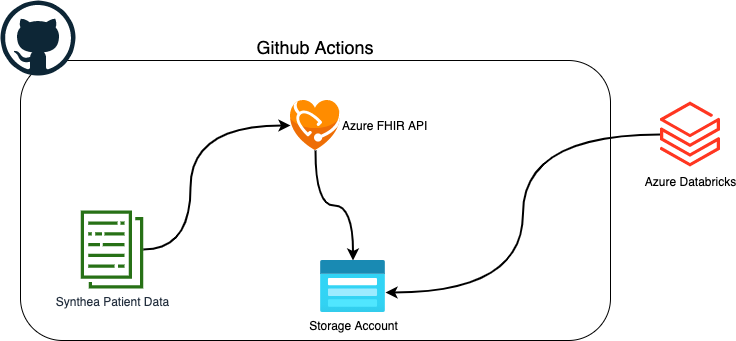
Part 2: in a future blog post we will look more into the data and do some ML on data
Synthea
github project : https://github.com/synthetichealth/synthea
Synthea is a Synthetic Patient Population Simulator. The goal is to output synthetic, realistic (but not real), patient data and associated health records in a variety of formats.
Currently, Synthea features include:
- Birth to Death Lifecycle
- Configuration-based statistics and demographics (defaults with Massachusetts Census data)
- Modular Rule System
- Drop in Generic Modules
- Custom Java rules modules for additional capabilities
- Primary Care Encounters, Emergency Room Encounters, and Symptom-Driven Encounters
- Conditions, Allergies, Medications, Vaccinations, Observations/Vitals, Labs, Procedures, CarePlans
- Formats
- HL7 FHIR (STU3 v3.0.1, DSTU2 v1.0.2 and R4)
- Bulk FHIR in ndjson format (set exporter.fhir.bulk_data = true to activate)
- C-CDA (set exporter.ccda.export = true to activate)
- CSV (set exporter.csv.export = true to activate)
- CPCDS (set exporter.cpcds.export = true to activate)
- Rendering Rules and Disease Modules with Graphviz
Azure FHIR API
Azure Healthcare APIs provides pipelines that help you manage protected health information (PHI) data at scale. Rapidly exchange data and run new applications with APIs for health data standards including Fast Healthcare Interoperability Resources (FHIR) and Digital Imaging Communications in Medicine (DICOM). Ingest, standardize, and transform data with easy-to-deploy tools and connectors for device and unstructured data. Expand discovery of insights by connecting to tools for visualizations, machine learning (ML), and AI.
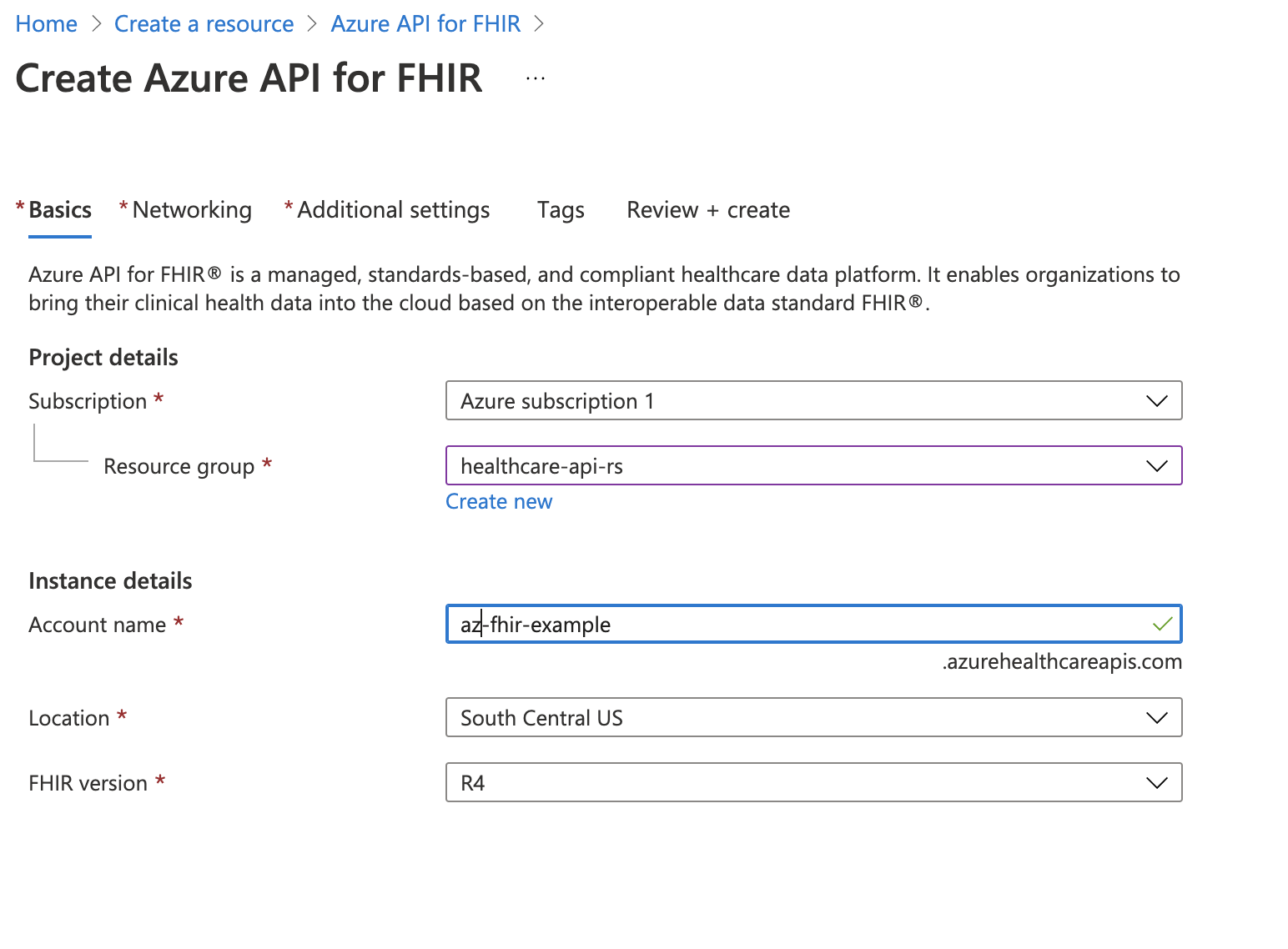
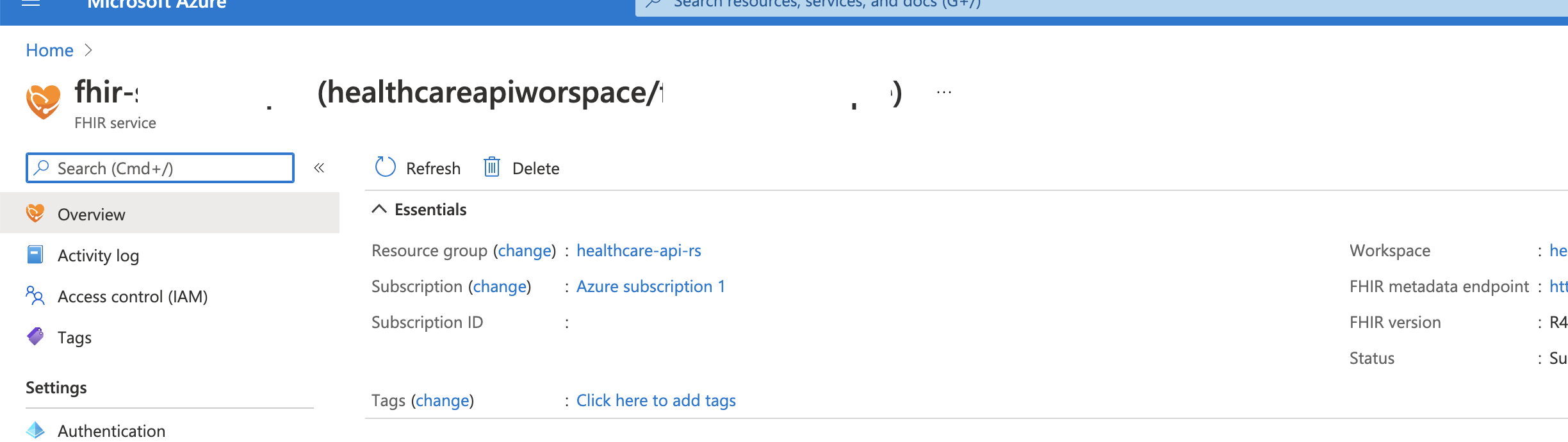
Setup Azure FHIR API :
In azure portal : search for
FhirLoader :
I used a FHIR loader developed by Michael Hansen
it’s a dotnet application that can be run using client ID and secret ID :
dotnet run -- --client-secret "XXXX" --client-id "xxxxxxxx-xxxx-xxxx-xxxx-xxxxxxxxxxxx" --input-folder ..\synthea\output\fhir\ --authority "https://login.microsoftonline.com/{tenant-id}" --fhir-server-url "https://{myfhirserver}.azurehealthcareapis.com" --max-degree-of-parallelism 14
Github Actions :
In order to automate the process of ingestion of patients data to Azure FHIR API, we will use a GitHub action file :
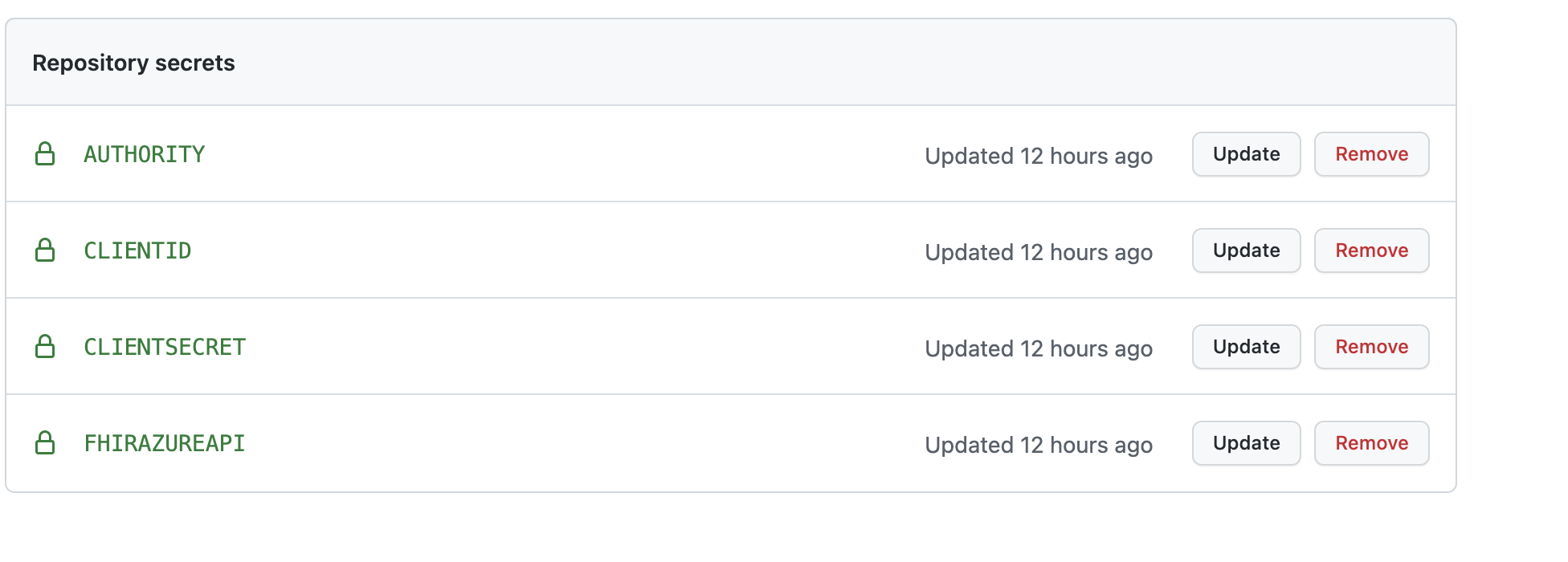
for all the credentials used for authentication I used Github Secrets :
After running the job :
Synthea created this patient data :

174Population: 2
175Seed: 1633711487491
176Provider Seed:1633711487491
177Reference Time: 1633711487491
178Location: Massachusetts
179Min Age: 0
180Max Age: 140
1811 — Liana375 Larson43 (39 y/o F) Lowell, Massachusetts
1822 — Nettie309 McDermott739 (44 y/o F) Sandwich, Massachusetts
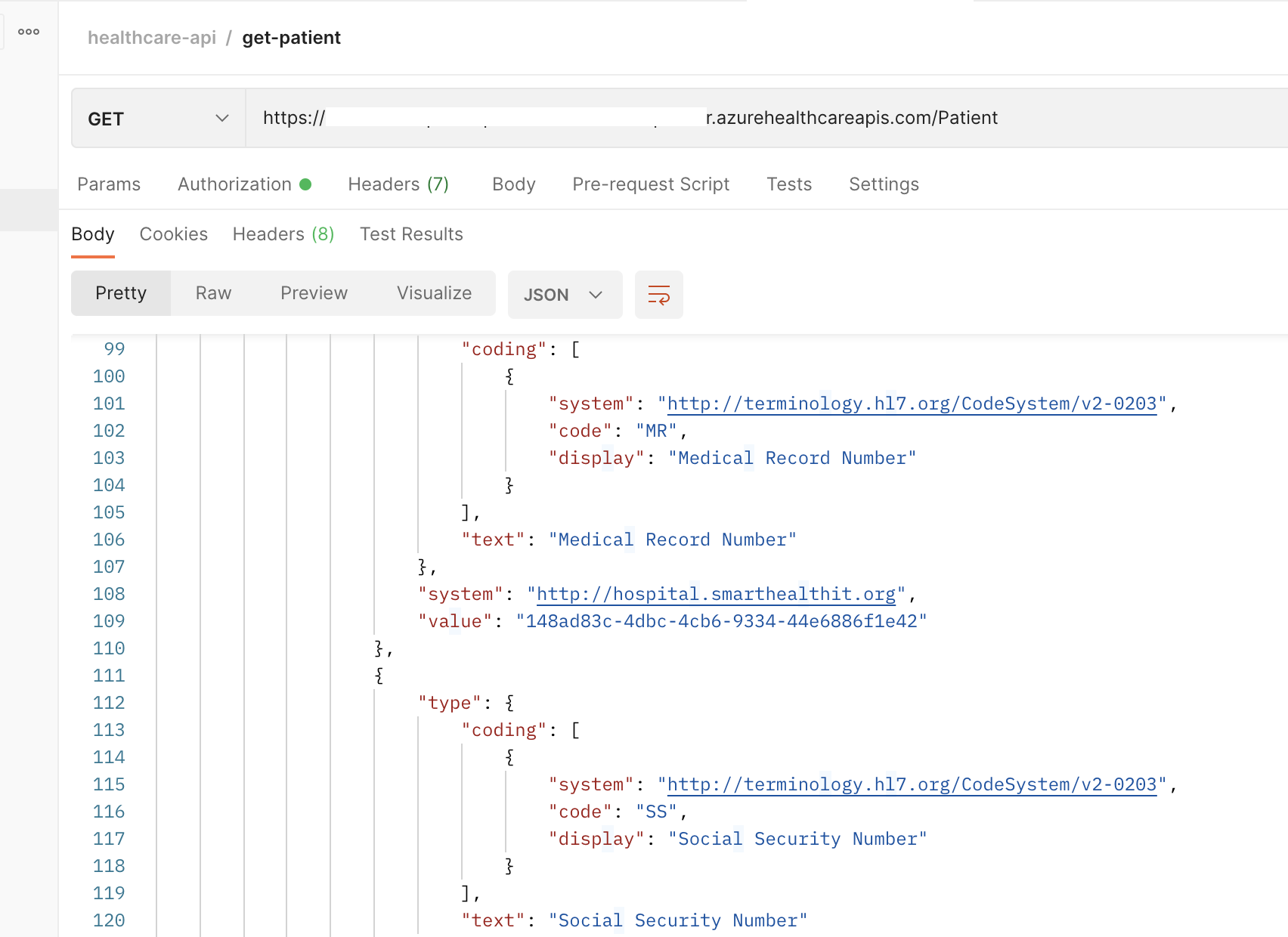
To check on the Azure FHIR API side , I use postman
In Next blog we will see how load data to Azure databricks and work on training and deploying models.